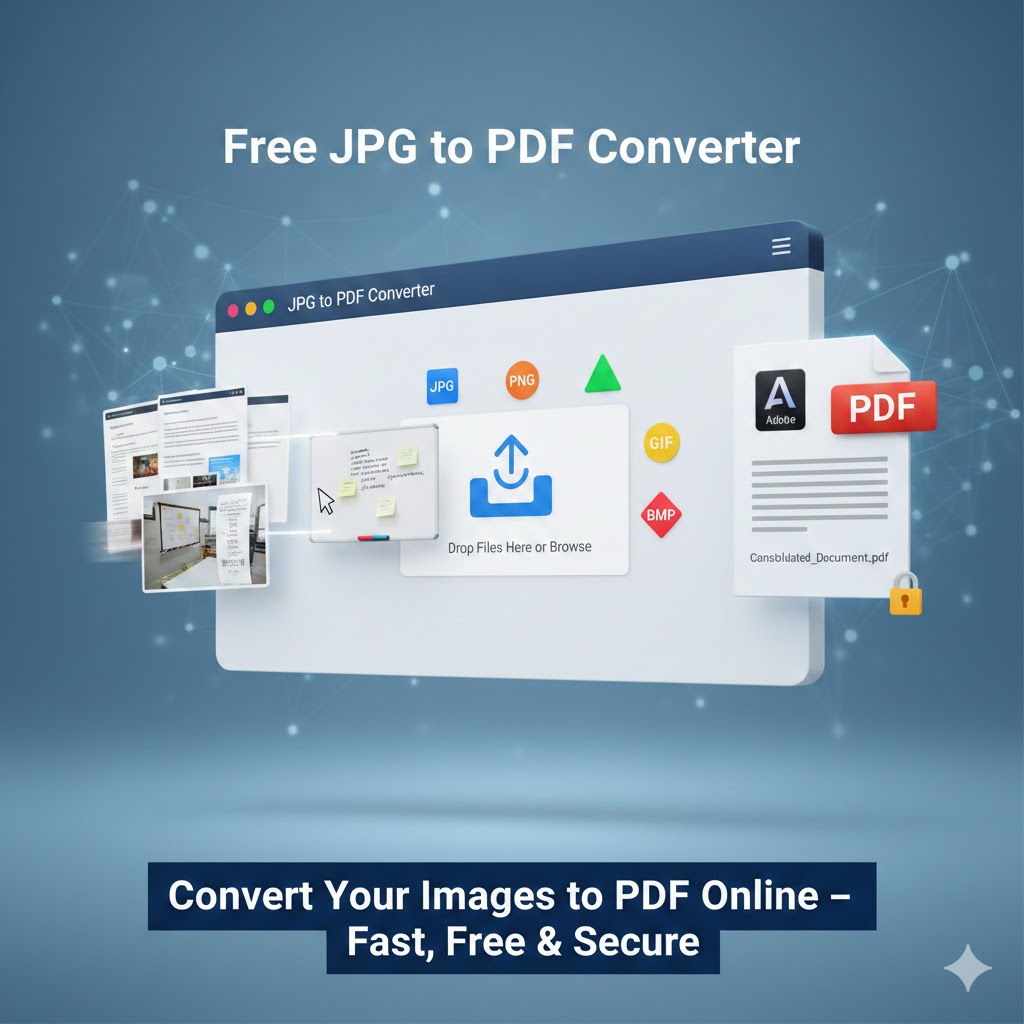
Free JPG to PDF Converter – Convert Your Images to PDF Online
📷 Picture to PDF
Select an image to convert it into a PDF file.
In today’s digital world, documents are shared, stored, and accessed online more than ever before. You might be a student submitting assignments. Or you could be a professional preparing reports. In either case, converting images into PDF format has become an essential task. If you are a business owner organizing invoices, this task is also crucial. JPG files, screenshots, scanned documents, and photos often need to be merged and converted into a universally accepted format. That’s where a free online JPG to PDF converter becomes incredibly useful.
One of the most reliable and user-friendly platforms available for this purpose is PDF2Go. It lets users quickly convert JPG and other image formats into PDF files. This process is efficient and does not require downloading or installing any software. In this article, we will explore everything you need to know about free online JPG to PDF converters. We will discuss their benefits, features, and step-by-step usage. We will also cover security aspects and explain why they are essential in both personal and professional environments.
Why Convert JPG to PDF?
It is important to know why converting JPG images into PDF format is beneficial. You should understand this before exploring the features of a free online converter. Understanding these benefits can help you make an informed decision.
1. Universal Compatibility
PDF (Portable Document Format) is one of the most widely accepted file formats. It can be opened on almost any device—computers, smartphones, tablets—without losing formatting. JPG files may vary in size and quality, but PDFs maintain consistent presentation across platforms.
2. Better Organization
If you have multiple JPG images, such as scanned pages of a document, combine them into a single PDF file. This makes sharing much easier. It also makes organizing much easier. Instead of sending 10 separate images, you can send one organized PDF file.
3. Professional Appearance
PDF documents look more professional than separate image files. This is particularly important when sending resumes, contracts, reports, or business proposals.
4. Reduced File Size
Many online tools compress and optimize files during conversion, resulting in smaller file sizes without sacrificing quality.
5. Enhanced Security
PDF files can be password-protected, encrypted, and restricted from editing or printing. JPG images do not offer these security features on their own.
What Is a Free Online JPG to PDF Converter?
A free online JPG to PDF converter is a web-based tool. It allows users to upload image files. They can convert them into PDF format directly in their browser. No software installation is required. The entire process takes place online, making it convenient and accessible from anywhere.
These tools typically support multiple image formats, including:
- JPG / JPEG
- PNG
- GIF
- BMP
- TIFF
- WEBP
With just a few clicks, users can upload images. They can arrange them in the desired order. Users can adjust settings. They can then download a ready-to-use PDF file.
Key Features of a Good JPG to PDF Converter
Not all converters are created equal. A high-quality free online converter should offer the following features:
1. Easy-to-Use Interface
The best tools have a simple and intuitive interface. Users should be able to drag and drop files, rearrange images, and convert them without technical knowledge.
2. Multiple Image Support
A good converter allows multiple images to be uploaded at once and merged into a single PDF file.
3. Custom Page Settings
Users should be able to adjust:
- Page size (A4, Letter, etc.)
- Orientation (portrait or landscape)
- Margins
- Image alignment
4. Image Compression Options
Advanced tools provide options to compress the PDF to reduce file size while maintaining image quality.
5. Secure Processing
Security is crucial when uploading personal or confidential files. Reputable tools automatically delete files from servers after processing.
6. Cloud Integration
Some platforms allow uploads from cloud services like Google Drive or Dropbox.
How to Convert JPG to PDF Online – Step-by-Step Guide
Using a free online converter is simple. Here’s a general step-by-step process:
Step 1: Upload Your Images
Visit the converter website and upload your JPG or other image files. Most tools allow drag-and-drop functionality.
Step 2: Arrange the Images
After uploading, you can rearrange the order of images by dragging them into the desired sequence.
Step 3: Adjust Settings
Choose page size, orientation, margins, and compression level if needed.
Step 4: Convert
Click the “Convert” or “Start” button. The system will process your images and generate a PDF file.
Step 5: Download
Once the conversion is complete, download the PDF to your device.
The entire process usually takes less than a minute, depending on file size and internet speed.
Advantages of Using an Online Tool Instead of Software
Many people wonder whether they should use downloadable software instead of an online tool. Here are some advantages of choosing an online converter:
No Installation Required
There’s no need to install or update software. Everything works directly in your browser.
Works on Any Device
Online converters work on Windows, Mac, Linux, Android, and iOS devices.
Saves Storage Space
Since you don’t need to download any programs, you save storage space on your device.
Always Updated
Web-based tools are updated automatically by the provider. You always use the latest version.
Cost-Effective
Many online JPG to PDF converters are completely free for basic usage.
Who Can Benefit from JPG to PDF Conversion?
Students
Students often scan handwritten notes or assignments as images. Converting them into a single PDF file makes submission easier and more organized.
Teachers
Teachers can compile scanned materials and distribute them in a structured PDF format.
Business Professionals
Invoices, contracts, receipts, and reports are often scanned as images. Converting them into PDFs improves professionalism and accessibility.
Graphic Designers
Designers may convert mockups or artwork into PDF format for presentations or client review.
Government and Legal Offices
Official documents are frequently stored and shared in PDF format due to standardization and security features.
Security and Privacy Considerations
When using an online converter, security is a major concern. Users often upload sensitive documents such as IDs, contracts, and financial records.
A trustworthy online tool should:
- Use secure HTTPS encryption
- Automatically delete files after a certain period
- Avoid storing personal data permanently
- Provide transparent privacy policies
Before uploading confidential documents, it is always wise to review the platform’s privacy terms.
Converting Other Image Formats to PDF
While JPG is the most common image format, many online converters also support:
PNG to PDF
PNG files are often used for graphics with transparent backgrounds. They can easily be converted into PDF format for documentation purposes.
TIFF to PDF
TIFF files are high-quality images commonly used in scanning. Converting them into PDF helps reduce file size and improve compatibility.
BMP to PDF
BMP images are large and less compressed. Converting them into PDF can make sharing easier.
GIF to PDF
Although GIF files are often animated, static GIF images can be converted into PDF pages.
This flexibility makes online converters extremely versatile.
Customization Options for Better Results
Advanced JPG to PDF tools allow users to customize their output for better presentation:
Page Layout
Choose whether each image appears on a separate page or multiple images appear on one page.
Margins and Alignment
Adjust spacing to ensure images are centered and properly aligned.
Orientation
Switch between portrait and landscape mode depending on content.
Compression Level
Balance between file size and image clarity.
These options ensure that the final PDF looks exactly as needed.
Common Problems and Solutions
Problem 1: Large File Size
Solution: Use compression settings before downloading the PDF.
Problem 2: Wrong Image Order
Solution: Rearrange images before conversion.
Problem 3: Poor Image Quality
Solution: Upload high-resolution images and avoid excessive compression.
Problem 4: Upload Errors
Solution: Check internet connection and ensure file size does not exceed platform limits.
Offline vs Online Conversion: A Comparison
| Feature | Online Converter | Offline Software |
|---|---|---|
| Installation | Not required | Required |
| Accessibility | Any device with internet | Only installed device |
| Updates | Automatic | Manual |
| Cost | Often free | May require purchase |
| Storage | Cloud-based | Uses local storage |
For most users, an online converter offers greater convenience and flexibility.
Tips for Best Results When Converting Images to PDF
- Use high-resolution images for clear output.
- Organize files before uploading.
- Select appropriate page size (A4 for documents).
- Check orientation before finalizing.
- Preview the PDF before sharing.
These simple steps can significantly improve the quality and professionalism of your final document.
Environmental Benefits of Digital PDFs
Converting images into digital PDFs helps reduce paper usage. Instead of printing and scanning repeatedly, documents can be shared electronically. This supports environmentally friendly practices and reduces office waste.
The Future of Online Document Conversion
As cloud technology continues to evolve, online file conversion tools are becoming more powerful. Future developments may include:
- AI-based image enhancement before conversion
- Automatic document detection and cropping
- Smart file compression
- Real-time collaboration features
- Direct integration with cloud storage platforms
The convenience of web-based tools ensures they will remain an essential part of digital workflows.
Why Choose a Free Online JPG to PDF Converter?
Choosing a free online converter provides:
- Fast processing
- No cost
- No software installation
- Secure handling of files
- Cross-platform compatibility
- User-friendly interface
For occasional users and professionals alike, these tools offer a practical solution to everyday document needs.
Final Thoughts
Digital documentation is essential in today’s world. Converting JPG and other image formats into PDF files is a simple task. This conversion is also very powerful. A free online JPG to PDF converter makes the process quick. It doesn’t matter if you are a student organizing assignments. It helps if you are a business professional preparing reports. You may also be an individual managing personal records. It also makes it effortless.
Online tools eliminate the need for complex software installations, provide flexible customization options, and ensure secure document handling. With just a few clicks, you can transform multiple images into a single, well-organized PDF file. It will be ready for sharing, printing, or archiving.
The growing demand for digital efficiency makes online conversion tools more important than ever. By using a reliable free JPG to PDF converter, you can streamline your workflow. It enhances document presentation. You ensure universal compatibility—all without spending a single dollar.
If you frequently work with scanned documents or image files, using a free online image-to-PDF converter is convenient. It’s essential for modern digital productivity.